Follower gripper overview
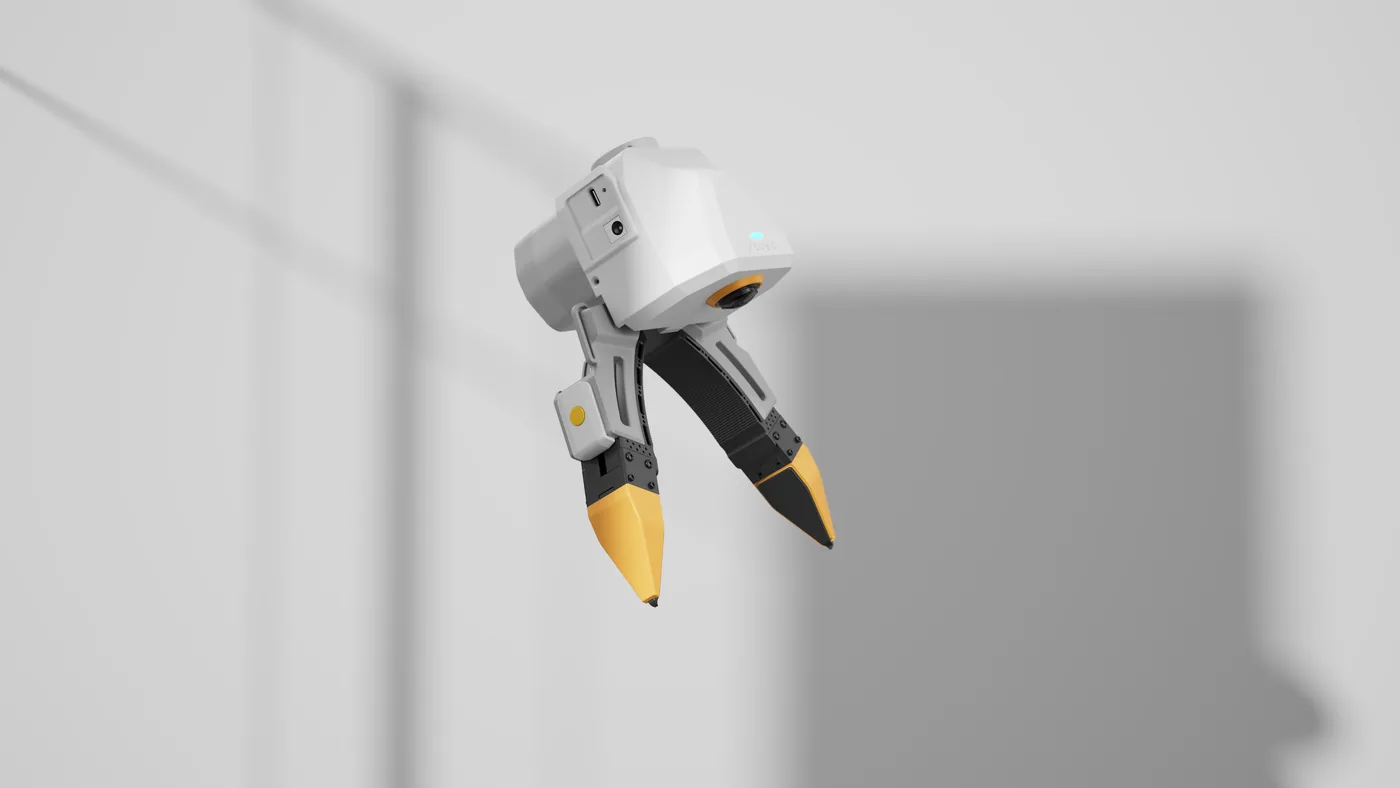
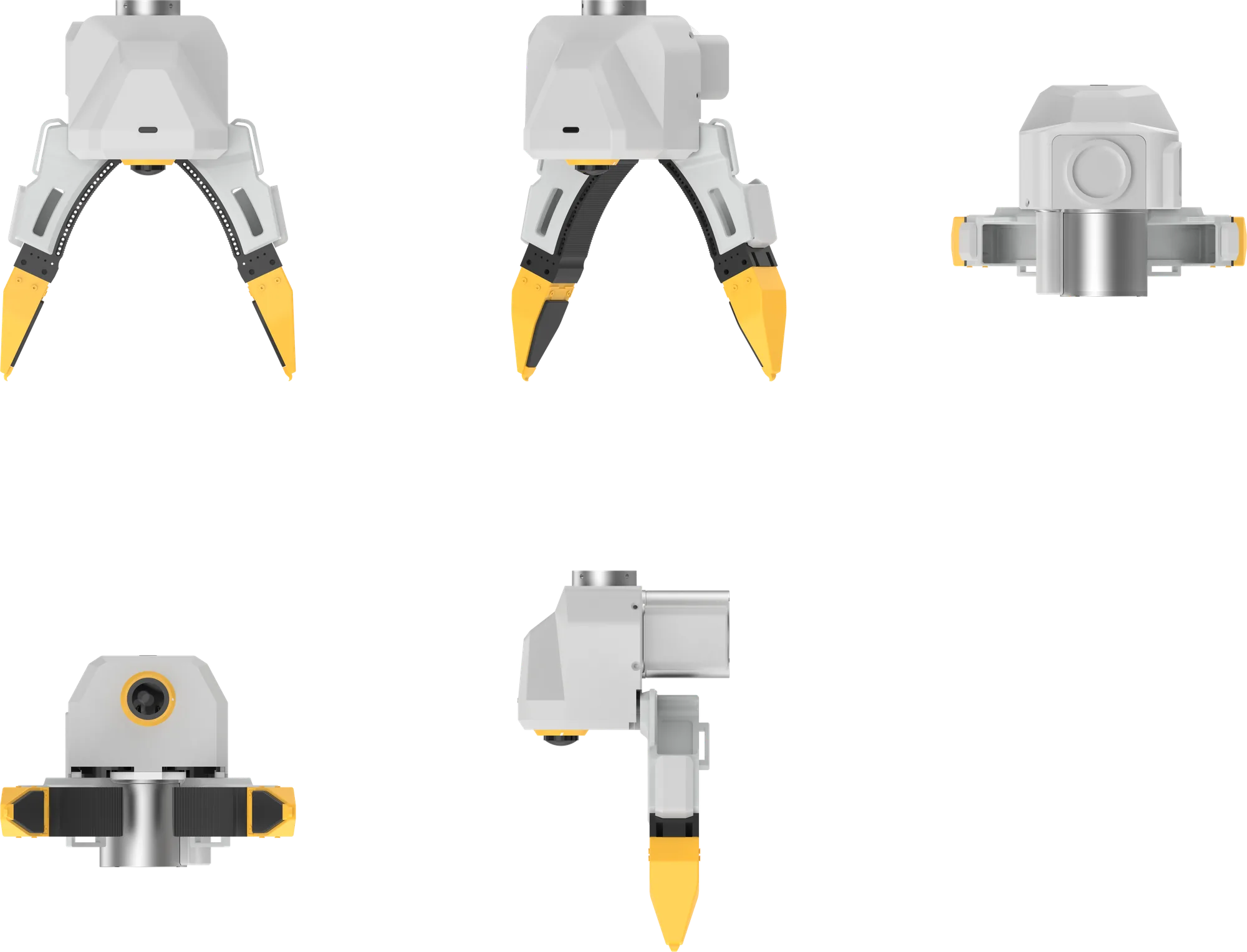
The follower gripper mounts on the robot's end effector and opens and closes under motor drive. You hold the leader gripper to capture the motion; the follower gripper performs it on the robot.
This chapter shows how to control the follower gripper with the xense.taccap SDK.
This chapter is written for SDK 0.4.3 and applies to both kits
This chapter is written against TacCap-Gripper v0.4.3. Whichever kit you have, the computer that runs the SDK must first install it and complete host setup per Setup and self-check · Install the SDK and set up the host.
How it differs from the leader gripper
| Leader gripper | Follower gripper | |
|---|---|---|
| Purpose | Handheld capture | Mounted on the robot's end effector to open, close and grasp |
| Motor | None | RobStride EL05 |
| Power | USB Type-C | USB Type-C + 24V |
| IMU / encoder / buttons | Yes | No |
| Travel calibration | Manual | Automatic at power-on |
| Last letter of the serial number | m |
s |
| Firmware bundled with SDK 0.4.3 | 1.2.6 | 1.2.16 |
Leader and follower firmware are numbered separately, so it is normal for their version numbers to differ.
Serial number
Taking TCGU01A24A0001s as an example:
- The last letter is the role:
m= leader gripper,s= follower gripper. Use it to pick the image when flashing firmware. - Whether the last digit of the running number, just before the role letter (
1here), is odd or even gives the side: odd = left, even = right. The follower gripper is mechanically not side-specific, but the software uses this to tell two follower grippers apart.
Motor
| Continuous stall rating | Max. speed |
|---|---|
| 1.1N·m | 50rad/s |
The continuous stall rating is the torque the fingers can hold indefinitely while pressing against an object; it is also the default grip force and its upper limit.
Safety notes
- The gripper firmware has a built-in motion safety envelope (torque limit, thermal derating) that no program can bypass; it is active automatically from firmware 1.2.12. Older firmware lacks this protection: pressing against something hard can pull the 24V supply voltage down and make the gripper let go, so upgrade to the firmware bundled with the SDK before use.
- When control stops, the program exits or USB disconnects, the gripper releases and whatever it is holding will drop.
- After power-on the gripper opens and closes once by itself to calibrate (about 10 seconds). During that time do not put anything in it and do not send commands.
Next steps
- Mounting and wiring: Gripper connection and serial numbers → Follower gripper mounting and connection
- Install the SDK and run the self-check: Setup and self-check
- Make it move: Motion control
- Write your own program: API and examples
- Upgrade the firmware: Firmware and motor upgrades
- When something goes wrong: Follower gripper troubleshooting
- Add it to your robot model: XTac-UMI-Description (URDF, Xacro, MJCF, USD; ROS 2 supported)